
Red Management / Planning creator content
Room for ideas.
Space in your week.
A content plan shows what you want to make, when you will work on it and what still needs a decision. Start with the time you have so preparation, administration and your own life have space too.
Read the article ↗Explore the possibilities ↓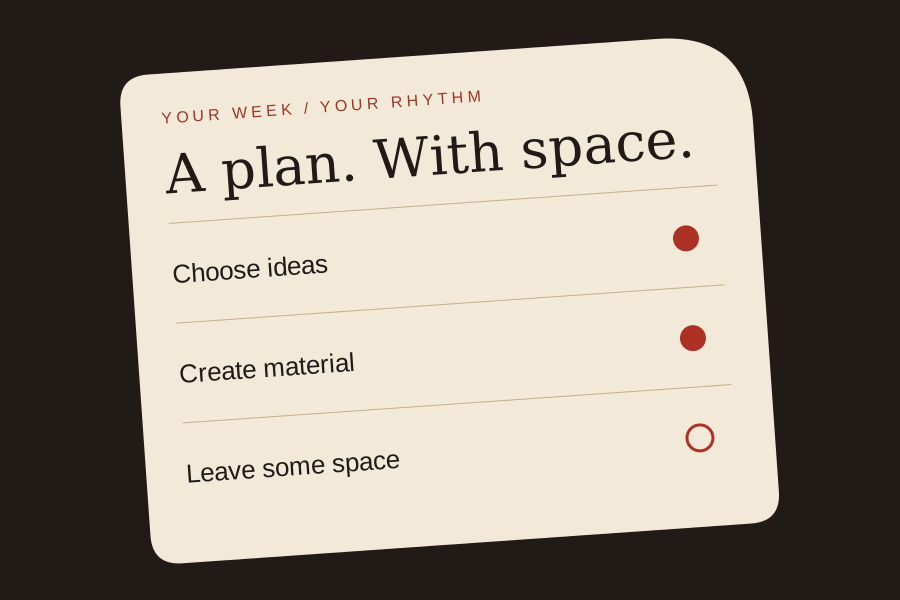
Start with the time you really have
How many hours can you genuinely set aside this week? Account for other work, commitments and rest first. What remains is the starting point. A promise to publish something involves more than pressing a button: preparation, recording, selection, editing and checking all take time. Include responding to questions and administration.
If you use OnlyFans or another creator platform, choose a rhythm you can sustain and communicate what your audience can expect. There is no universal number of posts or best publication time for every creator.
Choose priorities, concrete tasks and room to stop
Write down ideas and decide what matters most this week. Give each chosen idea a purpose, channel and next step; the others can wait. “Work on my profile” is hard to schedule. “Review my profile text and select three existing photographs” is a clearer work block. Break larger tasks down.
Choose when you will be available for messages. A free hour need not become another recording or post. Leave room for tasks taking longer and for a day when less gets done.
Track more than the publication date
For each item, note the subject, intended channel, files needed, responsible person and status. This lets you move work without losing track of progress. If you work with a photographer or assistant, agree who prepares, checks and approves. A file in a shared folder is not permission to publish it.
Useful statuses are: idea, with a subject and purpose but no promise yet; in preparation, while you gather files and work on wording or selection; ready for checking, including recognisable details and intended use; and ready, when the correct version is approved for an agreed destination.
An example week, not a rule
Suppose eight hours are available for creator work. A fictional Red Management example assigns one hour on Monday to choosing and preparing; two hours on Wednesday to making material, including clearing up; one and a half hours on Thursday to selection, wording and review; one hour spread across the week for publication and messages; and half an hour on Friday for administration and reflection. Two hours remain unallocated.
This is six hours of tasks within eight available hours. It is not a recommendation for how often to publish or a promise about reach or income. With less time, remove a task or reduce its size before automatically cutting the checking stage.
Write your own allocation
Record the hours available and the time assigned to ideas and preparation, recording or making material, selection and editing, publications and messages, and administration and review. Add those task hours and compare them with the time available. Decide what is achievable rather than treating every open hour as an obligation. Keep a copy of your own allocation if you want to use it again.
Review the work you actually did
At the end of the week, compare estimates with actual time. If selecting images consistently takes longer, allow more time or make less material. If you always use the buffer, plan a less crowded week. A missed post is not a reason to skip your boundaries or checks.
Record your experience as well as hours: what gave you energy, what remained undone and where would support help? Ask what you finished or postponed, where estimates were wrong, what to retain or reduce and which commitments need changing. Discuss shared responsibilities before promising new publications.
Must I post daily or use a special planning tool?
This guide prescribes no daily rhythm. Look at what you can make and check in the available time, and make public commitments accordingly. Features and rules vary by platform. A calendar, text file or simple overview may be enough. Choose something you will maintain, with a clear distinction between idea, draft and approved version. If working together, consider who can view or change it.
Can I combine work in a recording block?
You can group related tasks, such as preparing several recordings. Still leave time afterwards for selection and checking. Recording a set of material does not oblige you to publish all of it.
What if the week changes?
Move a task, make it smaller or leave it out. Check whether a previous commitment needs adjusting. Keep room not to work and to reconsider your approach.
About the original planner and further reading
The planner below includes a browser-based hours worksheet and text download. It does not send entries, connect an account or save entries automatically; refreshing restores its example. Use the worksheet to compare your task hours with the time you have available.
The Netherlands Chamber of Commerce describes bringing audience, message, channels and timing together in a communication plan. That general approach can help structure a content overview. The example week is Red Management’s own illustration, not a publication standard or prediction of results.
Adapted from our Dutch practical guide. The photographs illustrate style and presentation. Read the original in Dutch ↗
Further sources
Make your own week plan.
Enter the time you have and the hours for each task. Nothing is sent or saved automatically. Download your plan if you want to keep it.