Red Management / Choosing casting photographs
Fewer photographs.
A clearer impression.
Choose current photographs that answer the brief. A concise selection is usually more useful than sending everything you have. This guide is a practical starting point for a creative model casting.
Read the article ↗Explore the possibilities ↓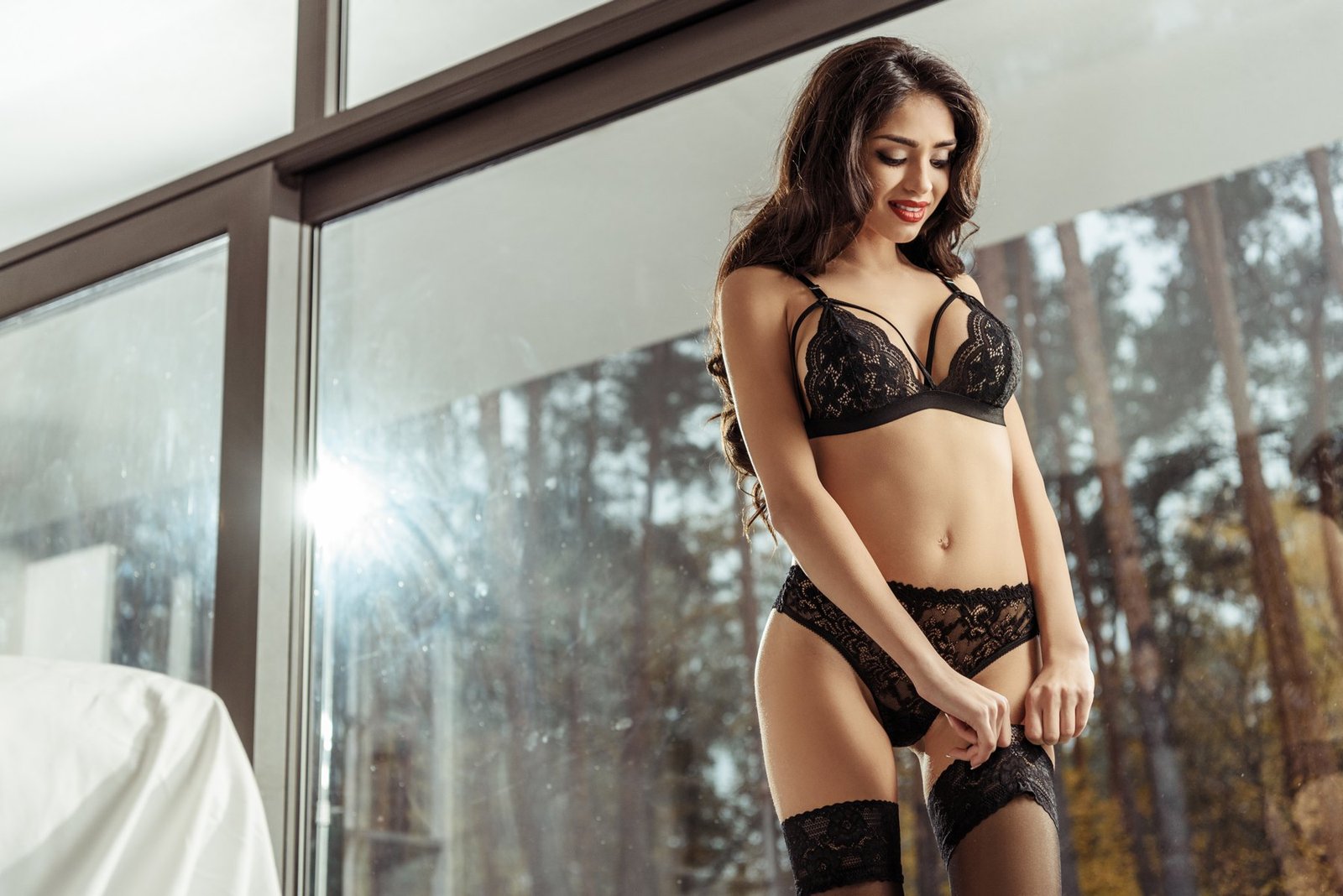
The brief comes first
Read the requested image types, number of files, format and delivery method. An agency or creative team may need something different from the examples in this guide. If the request is unclear, ask for clarification before sending your whole archive. These suggestions are not universal admission requirements.
Start with a clear portrait
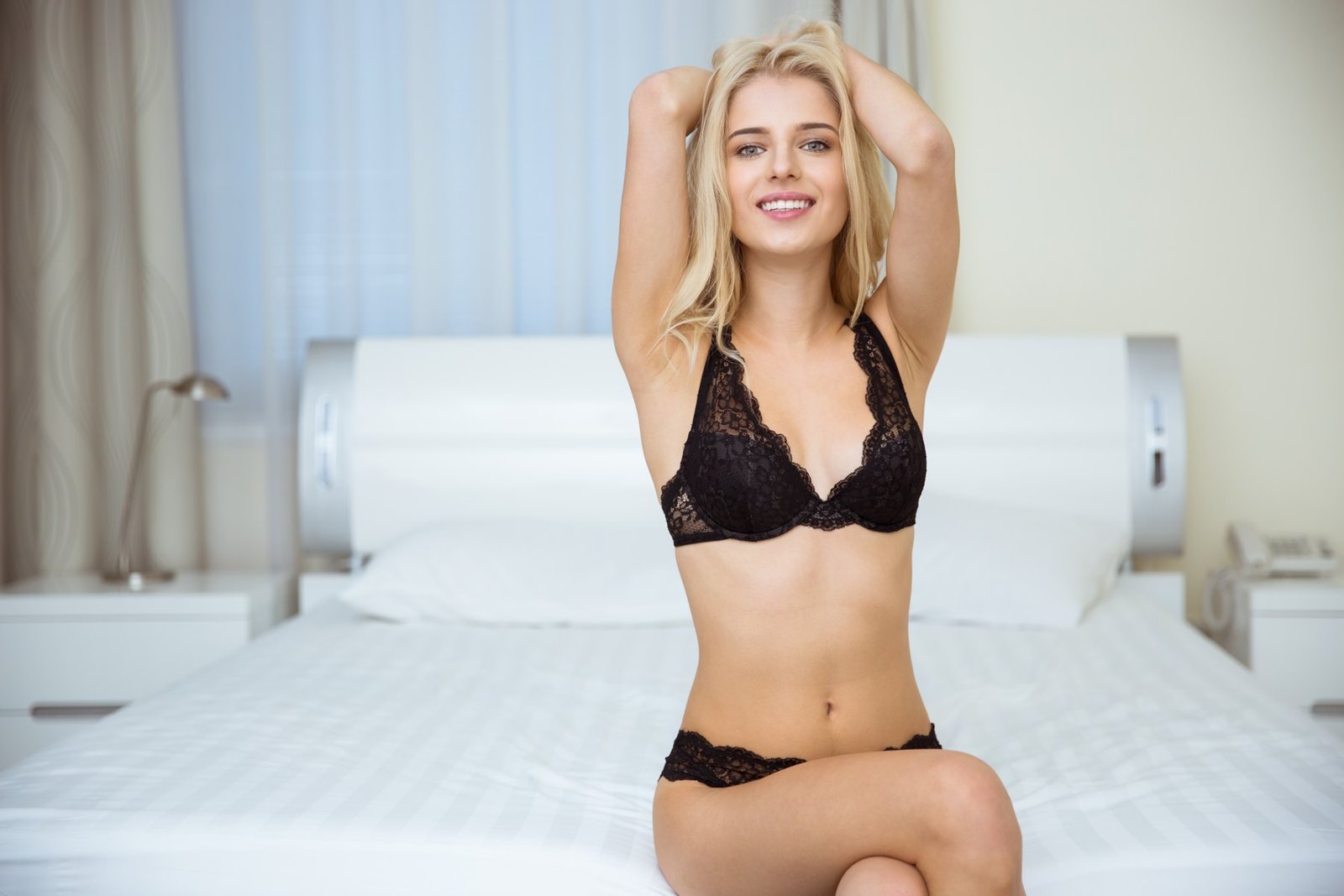
Choose a sharp photograph with a clear view of your face, suitable light and a quiet background. A natural expression or small smile can be enough. Strong filters and extensive retouching can make it harder to understand how you look now. If your hair or appearance has changed, include a recent photograph rather than relying only on older favourites.
Make a simple new image if needed
You may already have everything you need. If a new portrait would help, try standing near a window with the camera around eye level. Review the result on a larger screen: is your face in focus, and are your eyes lost in shadow? The styled photographs on this website are inspiration. A straightforward application may ask for a neutral, clothed image instead. Follow the brief.
Show posture without distorting proportions
When a full-length photograph is requested, keep your head and feet inside the frame and leave space around the edges. A very low camera angle or a close wide-angle view can change the apparent proportions. Choose clothing and a pose that fit the request and your own boundaries. More revealing material is not automatically more useful.
Add variety only when it adds information
A second portrait can help if it shows a different expression or posture. A tighter crop of the same photograph usually adds less. If you have a portfolio, choose a work example relevant to the concept and distinguish it from a current reference portrait. Aim for a compact selection rather than trying to include every style you have ever tried.
Explore making a comp card ↗Check the files and the destination
Use clear filenames, such as workname-portrait-01.jpg, and send the photograph itself rather than a screenshot of a social profile. Follow the requested dimensions and file type. Open the attachments or portfolio link yourself, check access permissions and confirm the recipient. Look for unintended private information in the frame and share only material you are entitled to use.
Adapted from our Dutch practical guide. The photographs illustrate style and presentation. Read the original in Dutch ↗